
How to Design Artwork for a Custom Laser Engraved Glock Backplate
A Glock slide backplate is about the size of a postage stamp. That's plenty of room for a logo, a name, a flag or a short phrase, but it doesn't forgive much. A design that looks great on your phone can turn into a muddy blur once it's shrunk down and engraved into metal. We've been engraving customer artwork since 2022, and most of the problems we see come down to the same handful of things. Here's how to set up your file so the plate comes out the way you pictured it.
The short version
- Bold, solid shapes in black on a white or transparent background.
- Upload an SVG if you have one. If not, use the largest PNG or JPG you can find.
- Skip photos, gradients, soft shadows, hairline strokes and tiny text.
- We send you a mockup to approve before anything gets engraved.
What you can upload
The upload box on the custom backplate page takes PNG, JPG, JPEG, GIF, SVG and WebP files. You add your artwork right there when you order.
If your design exists as a vector file, upload the SVG. Vector art is built from paths instead of pixels, so the edges stay sharp no matter how small it gets. Illustrator, Inkscape, Affinity Designer and Canva can all export SVG. If your logo only lives in an AI, EPS or PDF file, export it to SVG first, since the upload box won't take those formats.
No vector version? A PNG or JPG works fine as long as it's big and clean. Aim for something at least 1,000 pixels across. A tiny image pulled from social media usually doesn't have enough detail to hold up.
Why simple designs engrave better
A screen can show thousands of shades. A laser on a small metal part mostly can't. The laser either marks a spot or leaves it alone, so anything gray, shaded or blended has to be faked with a pattern of tiny dots. On a part this small those dots run together, and the result looks like texture instead of detail.
Solid shapes with clear edges don't have that problem. That's why a simple flag, a bold monogram or a clean logo almost always looks better on a backplate than a detailed illustration does.
Thin lines are the other thing that trips people up. A line that looks fine at full size can almost disappear once the whole design is scaled down to fit the plate. Small text has the same issue. A good rule: if you can't read it when it's printed at actual size, it won't read on the plate either.
Good and bad examples
Here's what that looks like in practice. These three designs engrave cleanly:
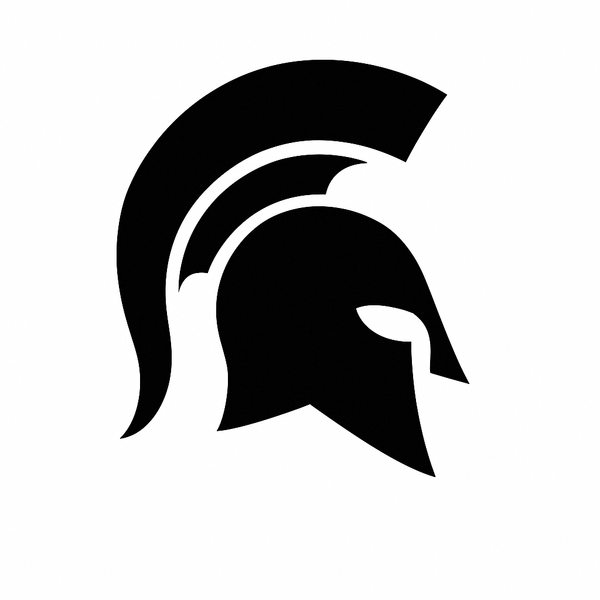
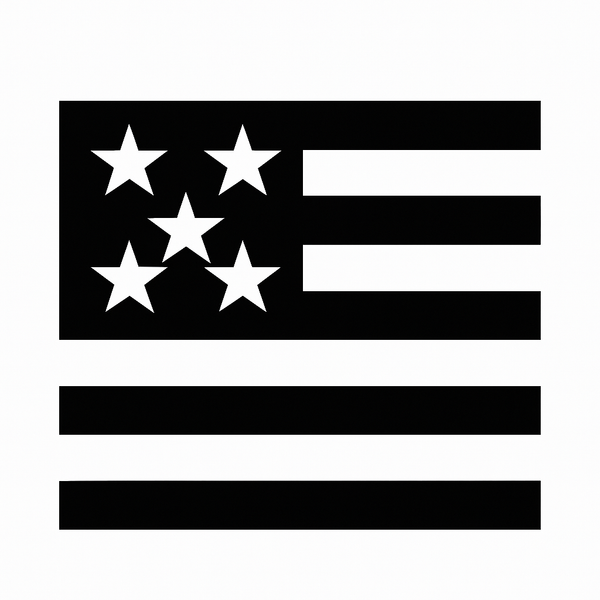
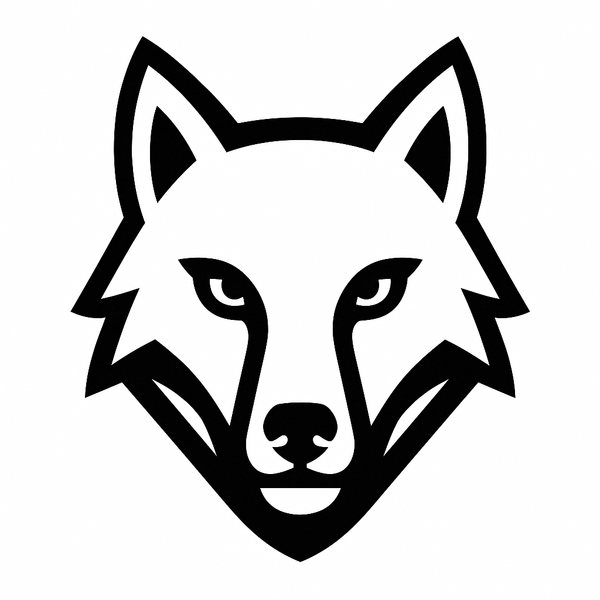
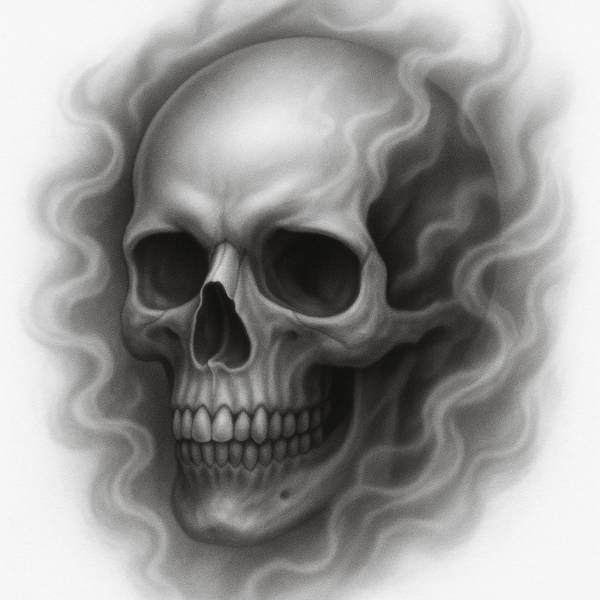
These two won't:

A quick test before you upload
- Shrink the design on your screen until it's about an inch wide. Can you still tell what it is?
- Print it at that size and hold it at arm's length.
- Convert it to pure black and white, no gray. If it falls apart, it needs to be simplified.
- Zoom in to 200 percent. Fuzzy or stair-stepped edges mean the image is low resolution, so look for a bigger version.
If it passes all four, you're in good shape.
Cleaning up a logo in Illustrator
If you've got a raster logo and Illustrator, you can turn it into clean vector art in a few minutes. Place the image, select it and open Image Trace. Set the mode to Black and White and raise the threshold until the shapes fill in solid, then click Expand. If some lines are still too thin, Offset Path will thicken them. Convert any text with Create Outlines, merge everything with Pathfinder's Unite, and save as SVG.
Doing the same in Inkscape (free)
Import the image, then go to Path and choose Trace Bitmap. Brightness cutoff works well for most logos. Delete any leftover white fills and combine the shapes. Use Stroke to Path so outlines become filled shapes, convert text with Object to Path, and save as SVG.
Things that don't work well
- Full color photos, especially portraits.
- Soft shadows, glows, smoke and gradients.
- Script fonts with thin, delicate strokes.
- Distressed or grunge textures.
- Busy backgrounds behind a small logo or text.
Please only upload artwork you own or have permission to use.
Shallow, deep and color infill
Shallow engraving, which is included in the starting price, leaves a white marking on the surface. Deep engraving goes further into the plate. If you want color infill, choose deep engraving, since the color fills the engraved areas. Bold shapes give the infill more room, so the same design rules apply.
What happens after you order
Once your order is in with your artwork attached, we put together a mockup of your design on the plate and send it to you to approve. Nothing gets engraved until you've seen it. Laser engraved plates ship in 3 to 5 business days, and multicolor plates take 7 to 10. Every order comes with 30-day, no-questions-asked returns.
Not sure which size your pistol takes? Check our Glock backplate fit guide first. The same artwork tips apply to our custom Glock magazine base plates.
Common questions
Can you engrave a photo on a backplate?
Not in a way that looks like a photo. The plate is too small for the shading to come through. If there's a photo you love, a simplified black and white version of it usually works much better.
What's the best file type to upload?
SVG. If you don't have one, a large PNG or JPG with a plain background is the next best thing.
Do I need to remove the background?
It helps. A plain white or transparent background makes it clear which parts of the image are the design.